10 Most Realistic AI Video Generator Tools 2026: Tested and Compared
We ran identical prompts through every major platform so you don't have to. Here's who wins — and for what.
What Is an AI Video Generator?
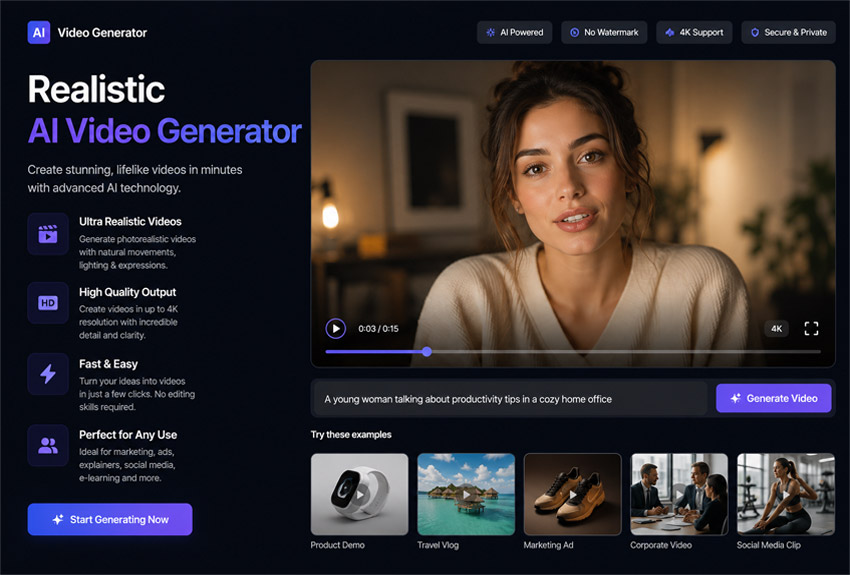
An AI video generator is a software tool that uses machine learning models — primarily diffusion models and transformer architectures — to create video content from text prompts, still images, or existing video clips. In 2026, the best AI video generators have crossed a threshold from "interesting novelty" to genuine production tools used in advertising, social media, film pre-visualization, corporate training, and YouTube content creation.
The top platforms now produce native 1080p–4K video with synchronized audio, realistic physics, and consistent character motion. Free AI video generator options have also improved dramatically, with several platforms offering usable no-cost tiers that export without watermarks at 1080p.
We tested every tool on this list using the same three benchmark prompts: a cinematic aerial landscape shot, a character dialogue scene, and a fast-motion product reveal. We evaluated motion quality, prompt adherence, realism, audio integration, ease of use, and value for money. Here's what we found.
Get Your Business Online - Call, E-mail or WhatsApp us!
AI Video Generator Comparison Table
| Tool | Best For | Free Tier | Starting Price | Max Resolution | Audio Sync |
|---|---|---|---|---|---|
| Google Veo 3.1 | Cinematic realism | Limited | $19.99/mo (Gemini) | 1080p / 24fps | ✅ Native |
| Runway Gen-4.5 | Filmmaker control | Freemium | $12/mo | 1080p | ✅ Yes |
| Kling AI 3.0 | Value + realism | Freemium | $10/mo | 4K / 30fps | ✅ Yes |
| OpenAI Sora 2 | Narrative storytelling | No | $20/mo (ChatGPT+) | 1080p | ✅ Yes |
| Pika Labs 2.5 | Social media / memes | Freemium | $8/mo | 1080p | ⚠️ Limited |
| Synthesia | Corporate / training | Free trial | $18/mo | 1080p | ✅ Avatar lip-sync |
| HeyGen | Talking-head avatars | Freemium | $24/mo | 1080p | ✅ Multilingual |
| InVideo AI | YouTube / long-form | Free | $20/mo | 1080p | ✅ AI voiceover |
| CapCut AI | Free short-form social | Free | Free / $7.99/mo | 1080p | ✅ Yes |
| Luma Dream Machine | Fast prototyping | Freemium | $9.99/mo | 1080p | ⚠️ Basic |
The 10 Best AI Video Generator Tools in 2026
Each tool was evaluated hands-on across text-to-video, image-to-video, and free tier performance. Scores reflect overall value for the intended use case.
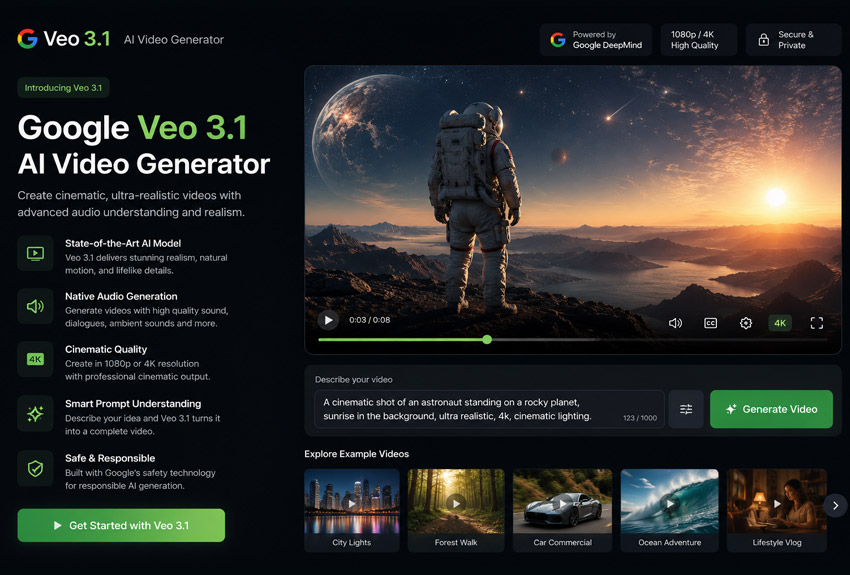
Google's Veo 3.1 is the most technically impressive AI video generator available in 2026. Built by Google DeepMind, it delivers near-photorealistic output with correct physics, cinematic lighting, and — critically — natively synchronized audio including dialogue, ambient sound, and music, all generated simultaneously with the video. It understands cinematographic language naturally: tell it to use "rack focus," a "Dutch angle," or "Steadicam tracking," and it delivers.
For creators who need YouTube-ready, high-fidelity content from text prompts alone, Veo 3.1 is the undisputed leader. Its image-to-video capability ranked first on the VBench benchmark, making it the top choice when you want to animate your own photos or designs. The main drawback is access: it's available through Gemini Advanced and Google AI Studio, with pricing tied to the broader Google ecosystem rather than a standalone video tool plan.
Pros
- Best-in-class photorealism and lighting
- Native audio + lip-synced dialogue generation
- Superior prompt adherence with cinematographic terms
- Top VBench image-to-video benchmark score
- Strong character consistency across shots
Cons
- No standalone free tier for video generation
- Limited to ~8-second base clips
- Requires Gemini Advanced or AI Studio access
- Audio generation can be inconsistent on complex scenes
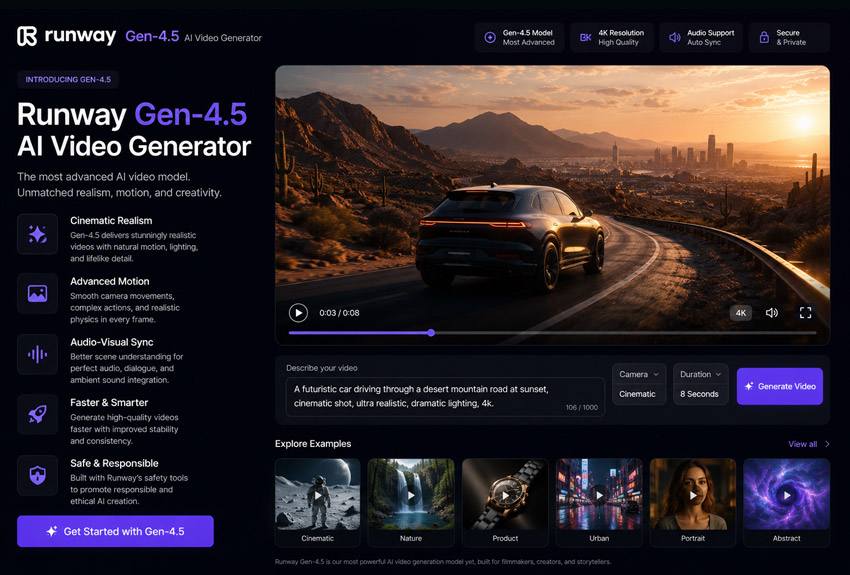
Runway occupies a unique position in the AI video generator landscape: it's the tool built for professionals who want granular creative control. Gen-4.5 gives filmmakers precise camera motion controls, multi-shot storyboarding, in-painting, out-painting, and a full AI video editor suite — not just a generation tool. It's the closest thing to a complete AI video generator editor for narrative content.
While Veo 3.1 and Sora 2 may edge it on raw realism, Runway wins on workflow. You can generate a shot, extend it, edit specific frames with AI inpainting, and control exactly how the camera moves — features that turn generated clips into usable production assets. It's the go-to for agencies delivering client work and anyone who needs more than a one-shot text-to-video button.
Pros
- Unmatched creative control and camera motion tools
- Full AI video editing suite, not just generation
- Multi-model access on higher plans
- Strong for ads and client deliverables
- Active community and tutorials ecosystem
Cons
- Steeper learning curve than beginner tools
- Detail stability weaker than Veo 3.1 or Sora 2
- Higher pricing for serious production use
- Free tier credits exhaust quickly
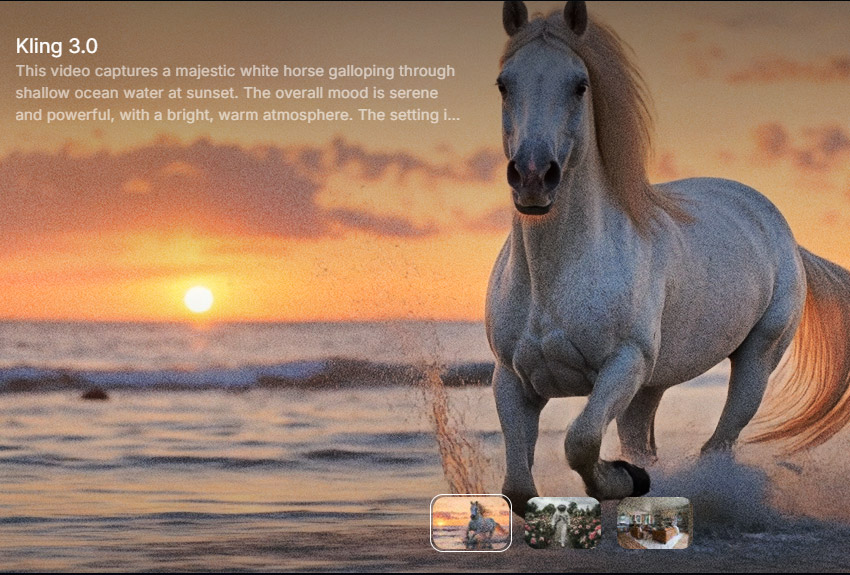
Kling AI 3.0 from Kuaishou is the sleeper hit of 2026's AI video generation market. It's the only mainstream tool producing true 4K output at 30fps, and it's roughly 65% cheaper per second than what Sora was charging — making it the most compelling option for high-volume social media and content marketing production. AI researchers have praised its handling of realistic human movement in particular.
The Kling 3.0 model is production-ready, stable, and controllable. Its image-to-video pipeline is especially strong — upload a product photo or character reference and Kling animates it with impressive physical coherence. For teams running at scale — YouTube channels, e-commerce brands, social agencies — the cost-per-output calculus is hard to argue with. This is also the strongest free AI video generator at the premium end, with a freemium tier that lets you meaningfully test quality before committing.
Pros
- Only major tool with true 4K / 30fps output
- 65% cheaper per second than comparable tools
- Excellent realistic human motion
- Strong image-to-video pipeline
- Good freemium tier for testing
Cons
- Free tier restricts commercial use
- Less cinematic polish than Veo 3.1
- Newer ecosystem, less community documentation
- Complex scenes can produce inconsistencies
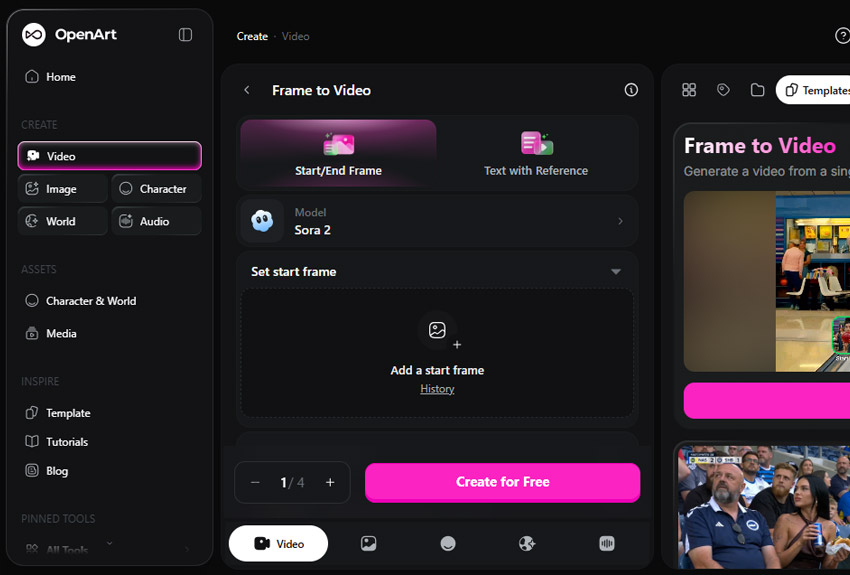
Sora 2 from OpenAI remains one of the most discussed AI video generators in 2026, and its physics simulation and emotional realism for human characters are still unmatched by any competitor. However, OpenAI has announced the Sora standalone web experience is being discontinued, with the API following later in 2026 — placing it in a transitional state. Access currently runs through ChatGPT Plus ($20/mo) with 1,000 monthly credits.
The good news: InVideo AI and Synthesia integrated Sora 2 into their platforms before the shutdown, so that generation quality remains accessible via third-party tools. For narrative-driven content — short films, cinematic scenes, story-focused YouTube videos — Sora 2 still delivers some of the most polished output available. Just be aware of the uncertain roadmap before making it the core of any production workflow.
Pros
- Best human emotion and physics simulation
- Polished narrative and storytelling output
- Available via ChatGPT Plus subscription
- Integrated into InVideo AI and Synthesia
Cons
- Standalone platform being discontinued in 2026
- No free tier
- Uncertain long-term roadmap
- Credits exhaust faster than competitors
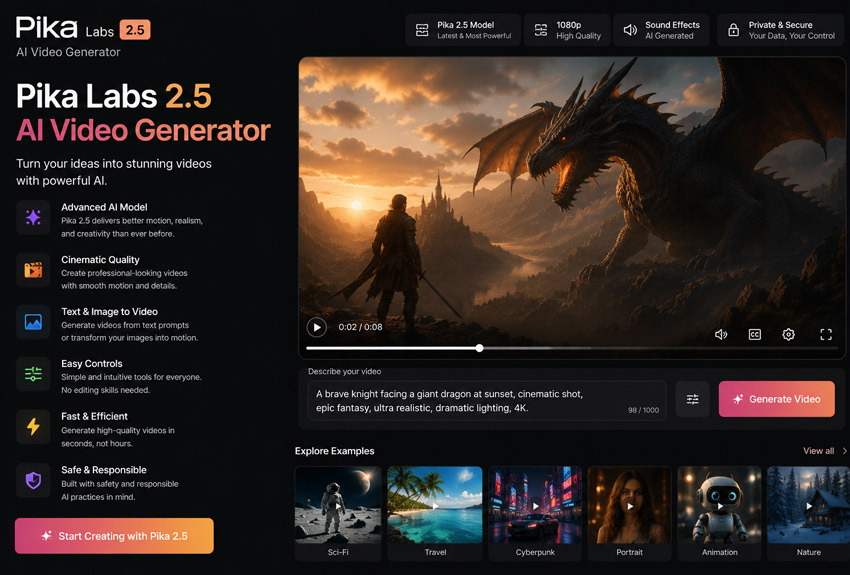
Pika Labs has carved out its own creative niche as the go-to AI video generator for memes, short-form social media clips, and rapid creative prototyping. Where other tools chase cinematic realism, Pika leans into fun. Its signature Pikaffects — one-tap effects that melt, explode, inflate, or crush objects in a video — have become a defining feature for viral social content.
Pika 2.5 transforms text or images into dynamic short videos in under 90 seconds. It also supports Pikaswaps (swap objects in existing video), Pikadditions (add new elements), and Pikatwists (style transfers). For TikTok creators, Instagram Reels editors, or anyone making AI video generator meme content at speed, this is the most enjoyable tool to use daily. The free tier provides 80 monthly credits — enough for meaningful testing.
Pros
- Unique Pikaffects (melt, explode, inflate) for viral content
- Generates video in under 90 seconds
- Excellent for meme creation and social clips
- Accessible free tier (80 credits/mo)
- Object swap and style transfer tools
Cons
- Trails Runway and Sora on photorealism
- Struggles with complex multi-character scenes
- Free tier excludes watermark removal and commercial use
- 10-second max clip length
Synthesia is the dominant platform for corporate AI video in 2026. Instead of text-to-cinematic-video, Synthesia's core product is AI avatars: type a script, choose from 240+ photorealistic digital presenters (or clone yourself), and the platform generates a polished talking-head video in minutes. No camera, no microphone, no actors.
It's the top choice for enterprise learning and development, compliance training, multilingual product demos, and internal communications. Synthesia has even integrated Sora 2 into its platform, so users get access to that generation quality for b-roll alongside avatar videos. For business users asking "what is the best AI video generator for corporate content?" — this is the answer.
Pros
- 240+ stock avatars; custom digital twin available
- Industry-leading data privacy compliance
- Scales to enterprise with team workflows
- Integrated Sora 2 for b-roll generation
- Multilingual support for global teams
Cons
- Not suited for cinematic or narrative video
- Expensive for individual creators
- Output style is "polished corporate," not cinematic
HeyGen is the market leader for talking-head AI video at the creator and SMB level — occupying the same space as Synthesia but with more flexibility and better pricing for individual users. Its Avatar IV model (released 2025) is their most realistic presenter yet. The platform's standout capability is multilingual video translation: upload a video in English and HeyGen will re-render the presenter speaking fluent Spanish, Hindi, Mandarin, or 40+ other languages, with accurate lip-sync.
For marketers creating personalized video at scale, YouTubers expanding to international audiences, or sales teams sending AI-generated personalized video messages, HeyGen offers unmatched efficiency. It's also widely regarded as the best online AI video generator for quickly producing professional presenter content without a studio setup.
Pros
- Best multilingual video translation with lip-sync
- Personalized video at scale for sales/marketing
- More affordable than Synthesia for SMBs
- Avatar IV is genuinely convincing
- Strong API for automation workflows
Cons
- Less compliance infrastructure than Synthesia for enterprise
- Not suited for cinematic or narrative video
- Free tier is very limited
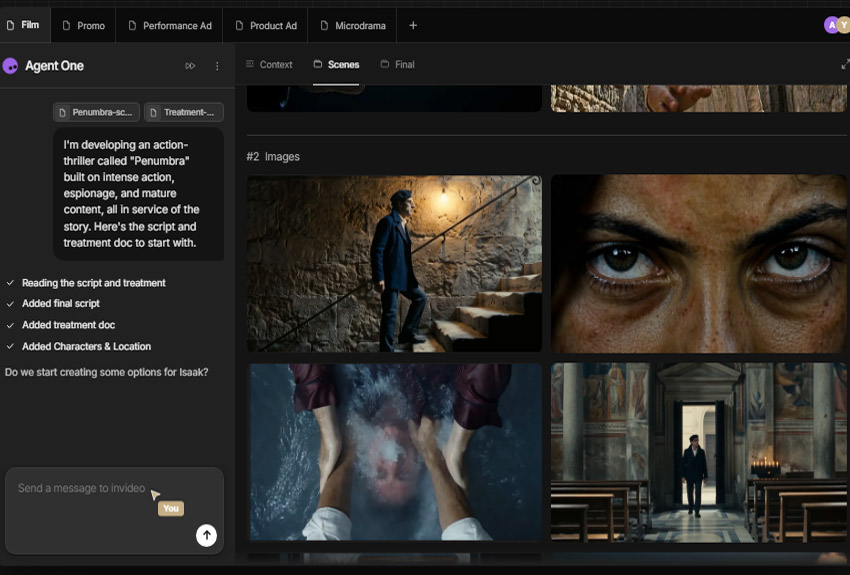
InVideo AI is the strongest choice for fully automated, long-form video creation — particularly for YouTube. Type a topic or paste a script, and InVideo generates a complete video with AI voiceover, stock footage, music, captions, and transitions. It's the closest thing to a "press one button, get a YouTube video" experience available in 2026.
InVideo integrated Sora 2 before its discontinuation, so users now get that quality for AI-generated b-roll alongside automated editing workflows. As a free AI video generator from text, its free tier is one of the most generous available — making it the top recommendation for beginners who want to create AI video generator YouTube content without spending money immediately. Canva and InVideo are consistently ranked the easiest tools to start with.
Pros
- Best automated long-form video for YouTube
- Generous free tier for beginners
- Sora 2 integration for quality b-roll
- Script-to-video in minutes with AI voiceover
- Easiest learning curve on this list
Cons
- Less creative control than Runway or Veo
- Stock footage can feel generic
- Watermark on free tier exports
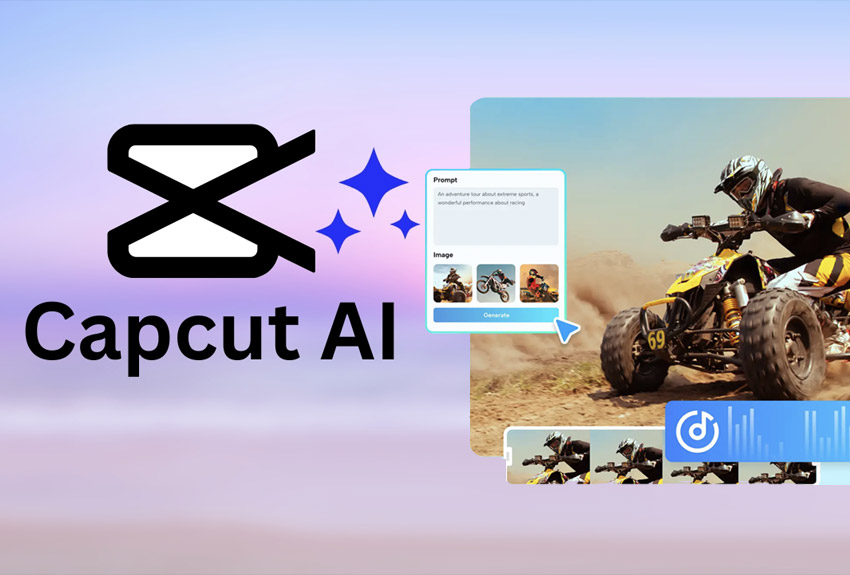
CapCut from ByteDance has become the most widely used free AI video generator by raw user count in 2026. While it isn't a pure text-to-video generation platform like Veo or Runway, its combination of AI-powered editing tools, free 1080p exports, auto-captions, background removal, text-to-video generation, and image-to-video features make it a genuinely powerful free unlimited AI video generator for short-form social content.
The key differentiator: CapCut's free tier now exports at 1080p without watermarks — something previously reserved for paid plans. For TikTok creators, Instagram users, and YouTube Shorts producers who need a complete AI video generator editor tool that costs nothing to start, CapCut is unmatched. Note: users in some regions should verify availability due to ongoing regulatory considerations.
Pros
- Genuinely free with 1080p export (no watermark)
- Complete editing suite plus AI generation
- Best mobile AI video editor available
- Excellent for TikTok, Reels, Shorts
- Auto-captions and dubbing features
Cons
- AI generation quality below dedicated generators
- ByteDance ownership raises data privacy concerns
- Regulatory availability varies by region
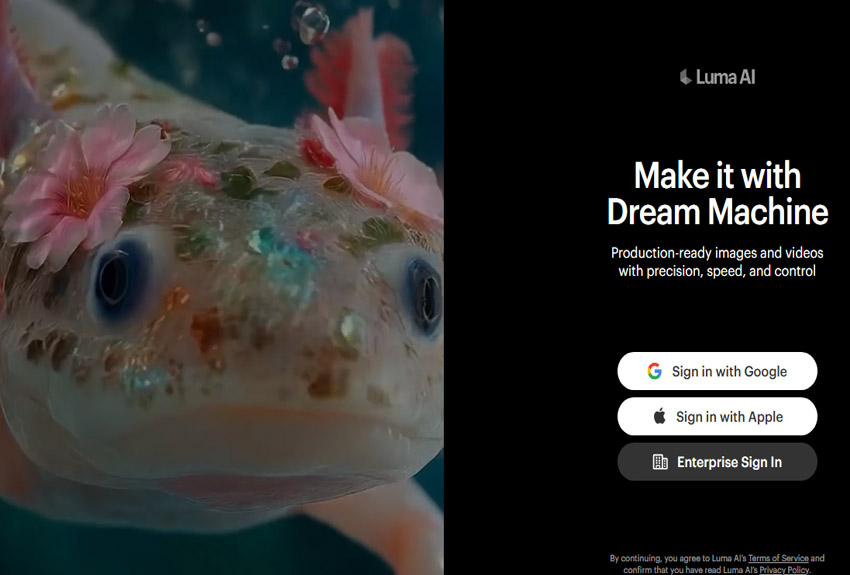
Luma AI's Dream Machine rounds out our list as the tool known for its beautiful user experience and solid image-to-video performance. It won't win benchmark comparisons against Veo 3.1 or Kling 3.0, but its generation speed and intuitive interface make it a favorite for quickly visualizing concepts and iterating on ideas. The Ray3 model delivers elegantly styled output that suits brand content and artistic projects.
For social media content that prioritizes aesthetic quality over absolute realism, and for teams who want a frictionless online AI video generator experience without a learning curve, Dream Machine is a strong contender. It's particularly good for quick iterations when the end goal is a mood board, concept video, or social proof clip rather than a broadcast-quality asset.
Pros
- Fastest generation speed in the category
- Most elegant, beginner-friendly UX
- Strong image-to-video for aesthetic content
- Good for rapid concept visualization
- Affordable starter plan
Cons
- Realism lags behind Veo 3.1 and Kling
- Limited camera control options
- Basic audio integration
🏆 Final Verdict: Which AI Video Generator Should You Use?
Frequently Asked Questions
Choosing the Right AI Video Generator Tool
The AI video generator landscape in 2026 has matured into a genuinely useful creative industry. The question is no longer whether AI can generate good video — it can. The question is which tool fits your workflow, budget, and output goals.
Start with your use case: cinematic storytelling → Veo 3.1 or Runway. High-volume social media → Kling AI. Corporate training and avatars → Synthesia or HeyGen. YouTube automation → InVideo AI. Memes and creative effects → Pika Labs. Free all-in-one editing → CapCut.
All the tools on this list offer free tiers or free trials. The best way to pick your AI video generator tool is to test your actual use-case prompt through two or three options before committing to a subscription. With the pricing as low as $8/month for entry plans, the cost of experimentation has never been lower.
Content accurate as of June 2026. Pricing and features subject to change. Always verify current plans on official platform websites.